
Managing online reviews across multiple platforms can be time-consuming and overwhelming. The OmniReview Chrome Extension simplifies this entire process by allowing you to capture, import, and organize reviews directly from your browser with just a single click. Whether you’re analyzing customer feedback, collecting testimonials, or monitoring brand reputation, the extension provides a fast, seamless, and efficient workflow without switching between tabs or manually copying content.

This tutorial walks you through the complete process of installing the OmniReview Chrome Extension and using it effectively to streamline your review management experience.
STEPS:
- Open your chrome browser and click on Manage extension to install or Login into Omnireview.site and click on “Install Extension”.

- Both ways will redirect you “Chrome Web Store” , where you have type to search “Omnireview” .
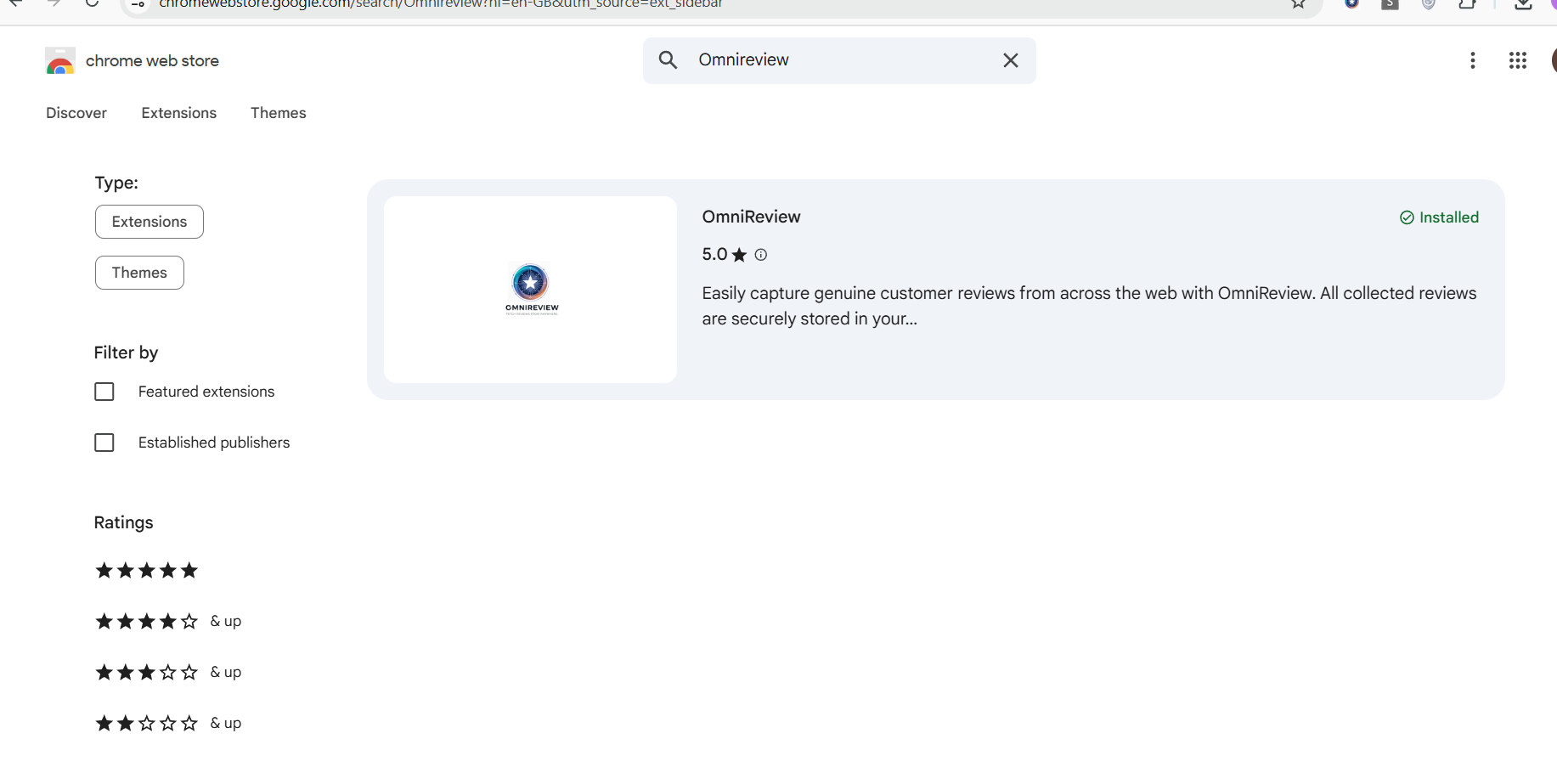
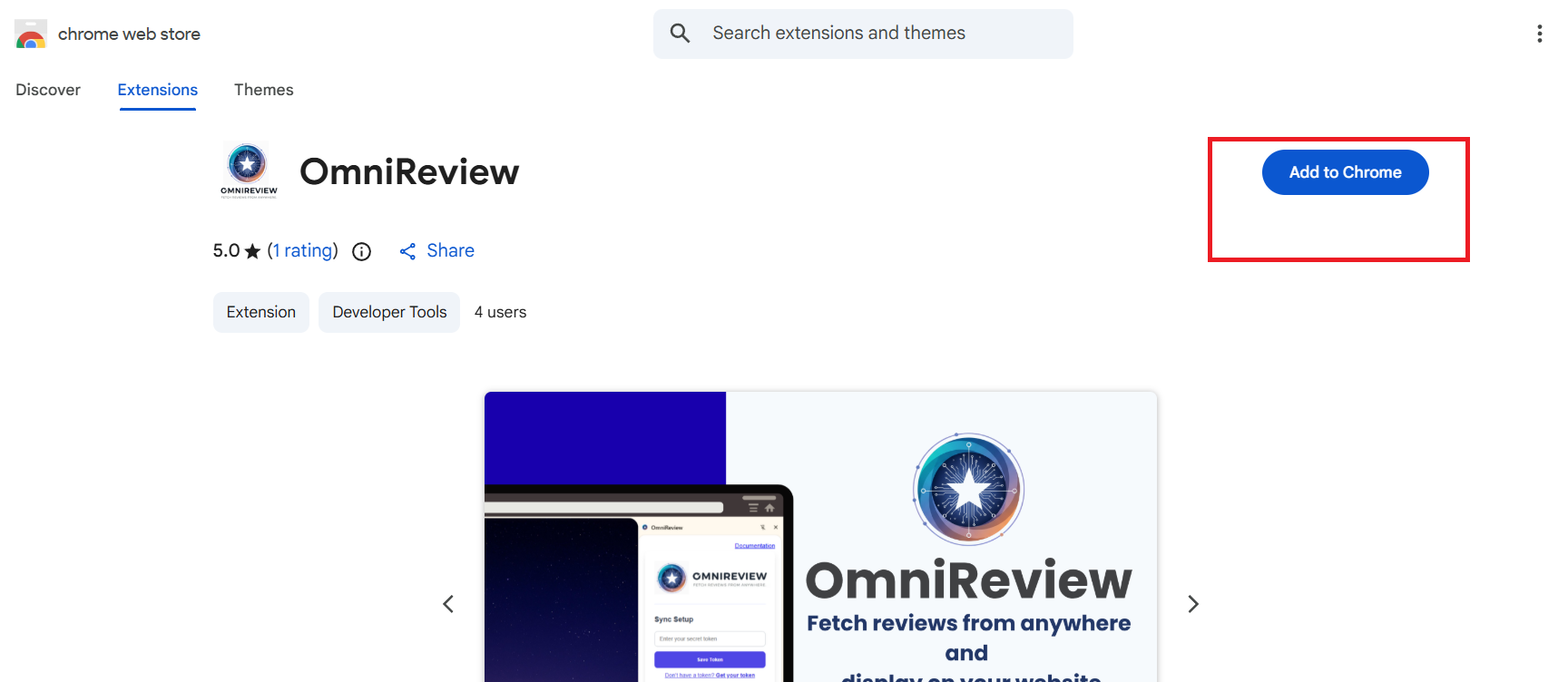
- Click on “OmniReview” and then click on “Add to Chrome.”
- The OmniReview extension will appear at the top, and once you click on it, it will also become visible in the sidebar.
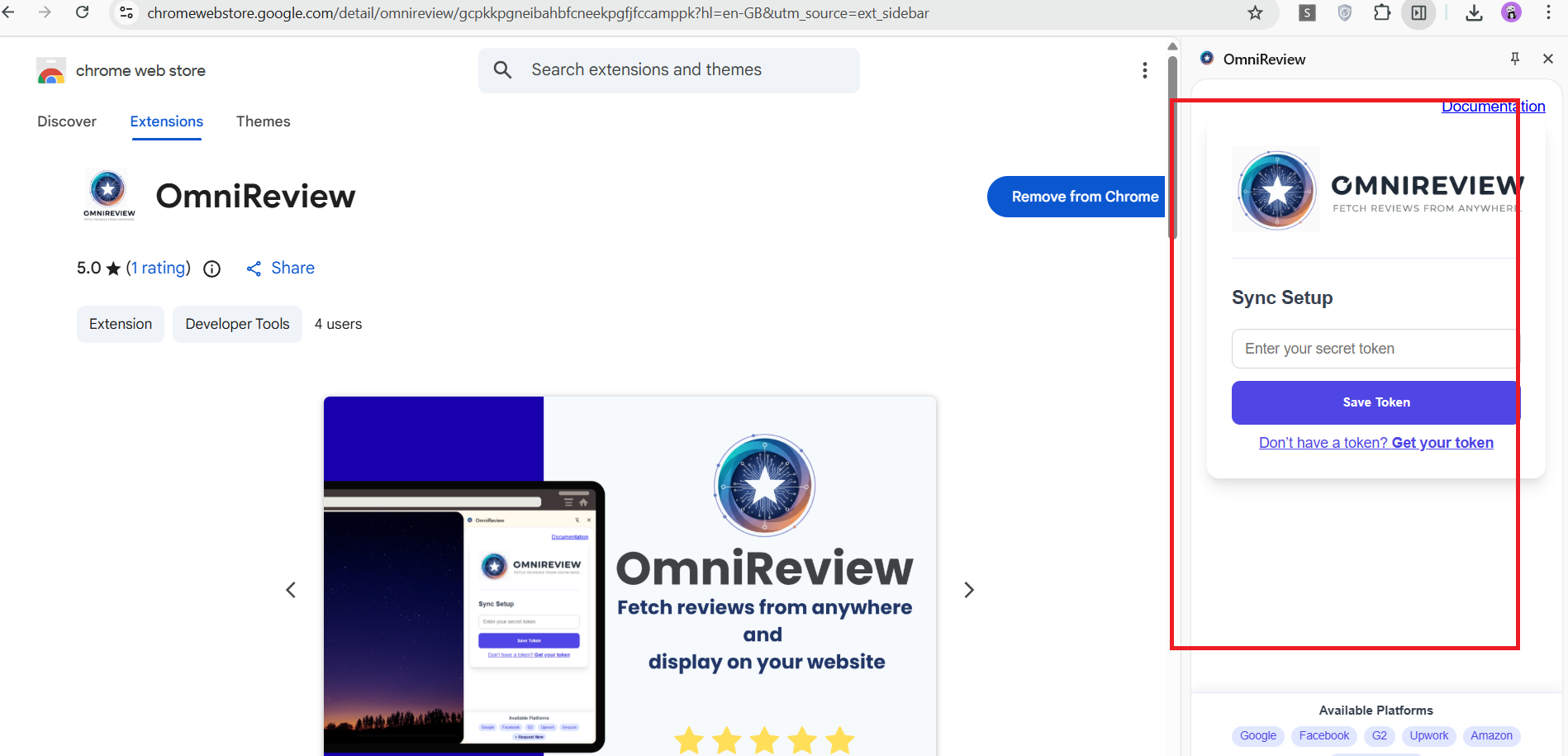
This way you can install the extension on your browser.


