
Welcome to Omnireview, your all-in-one tool to collect, manage, and display Google reviews effortlessly. Whether you’re a small business owner, marketer, or someone looking to build a strong online reputation, Omnireview makes it simple.

In this guide, you’ll learn how to install the Omnireview extension, connect your Google Business account, and start fetching and showcasing authentic customer reviews in just a few clicks. No technical skills required — just follow the steps, and you’ll be ready to enhance your brand’s credibility online.
Steps To Generate Token.
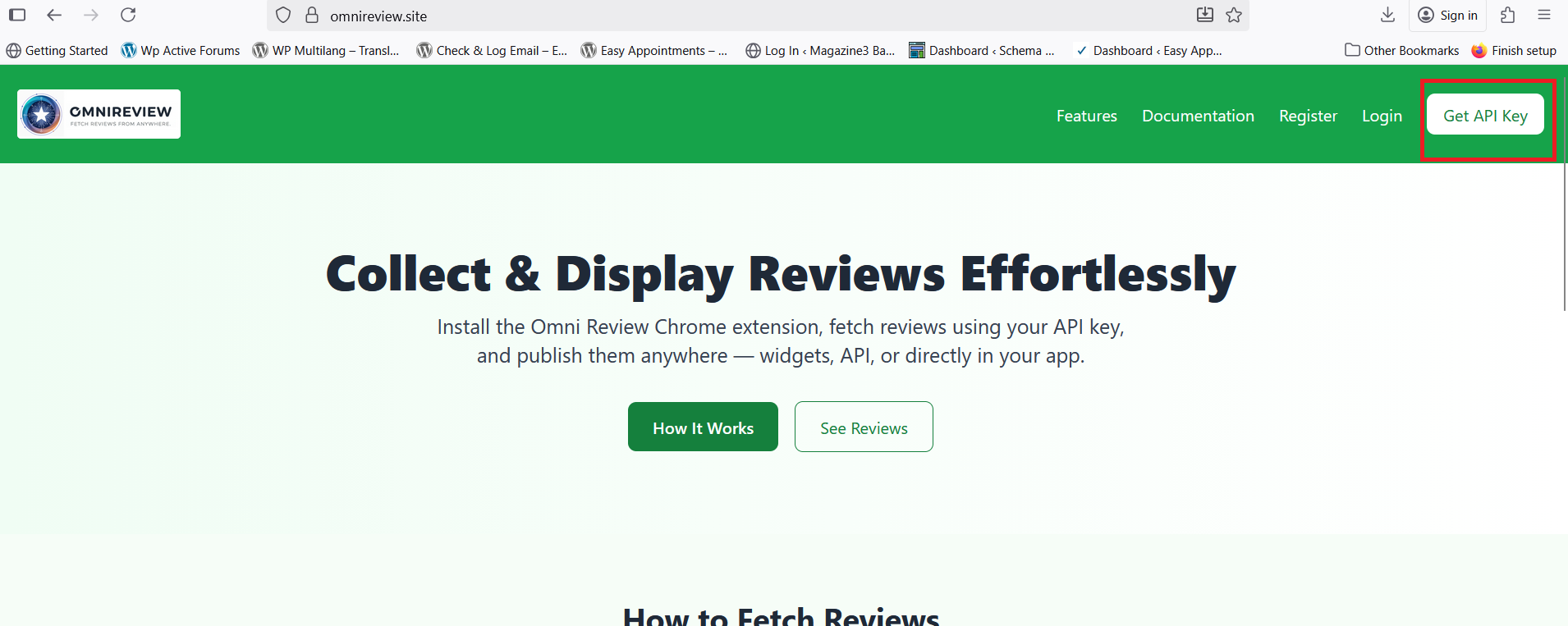
- Visit https://omnireview.site/ . Click on “Get an API Key” to create an account on Omnireview.
- Fill the details where you will get notification.
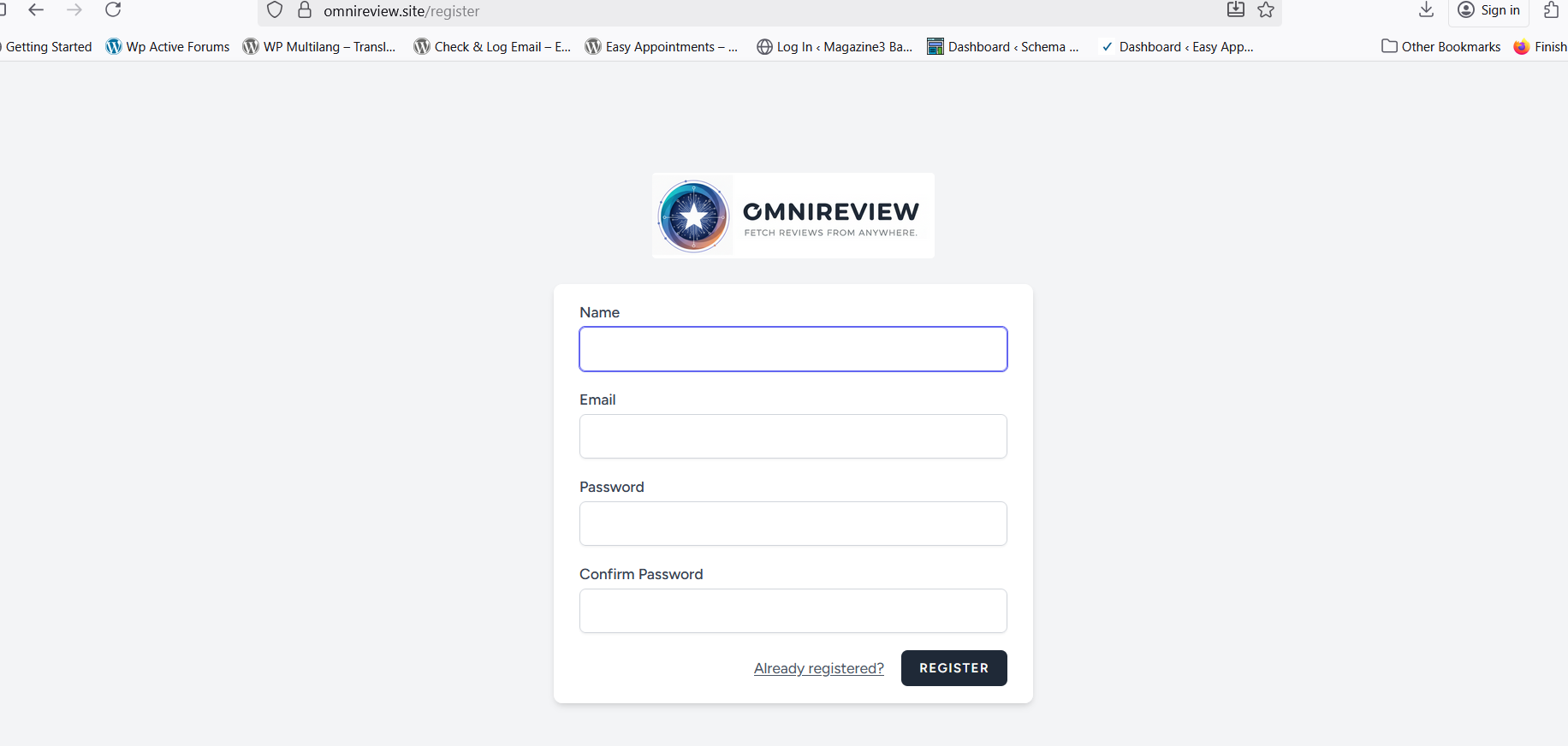
- Once you’ve filled in all the details, click on “Register.” Log in again, and you will see this dashboard.
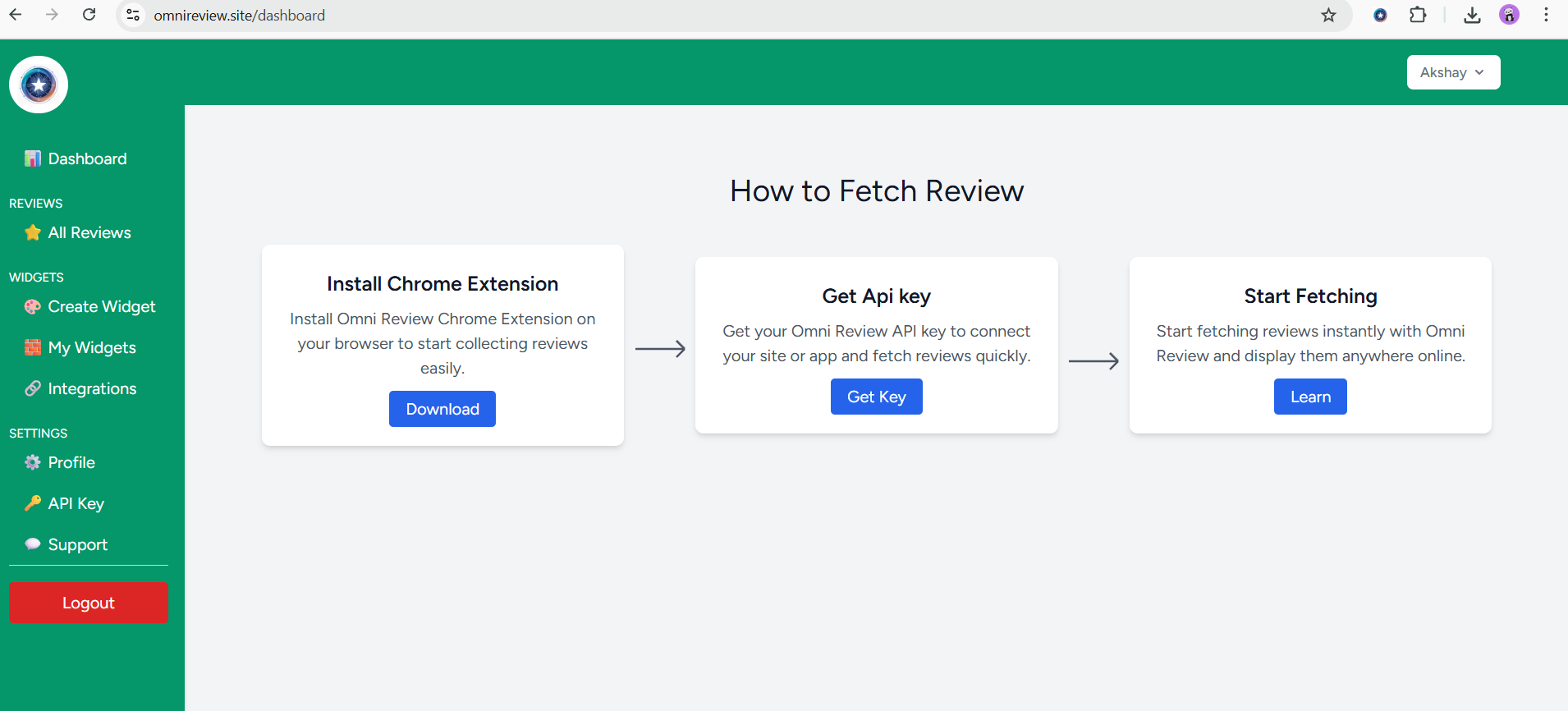
- Click on “API Key” to generate Token.
Omnreview Extension Installation.
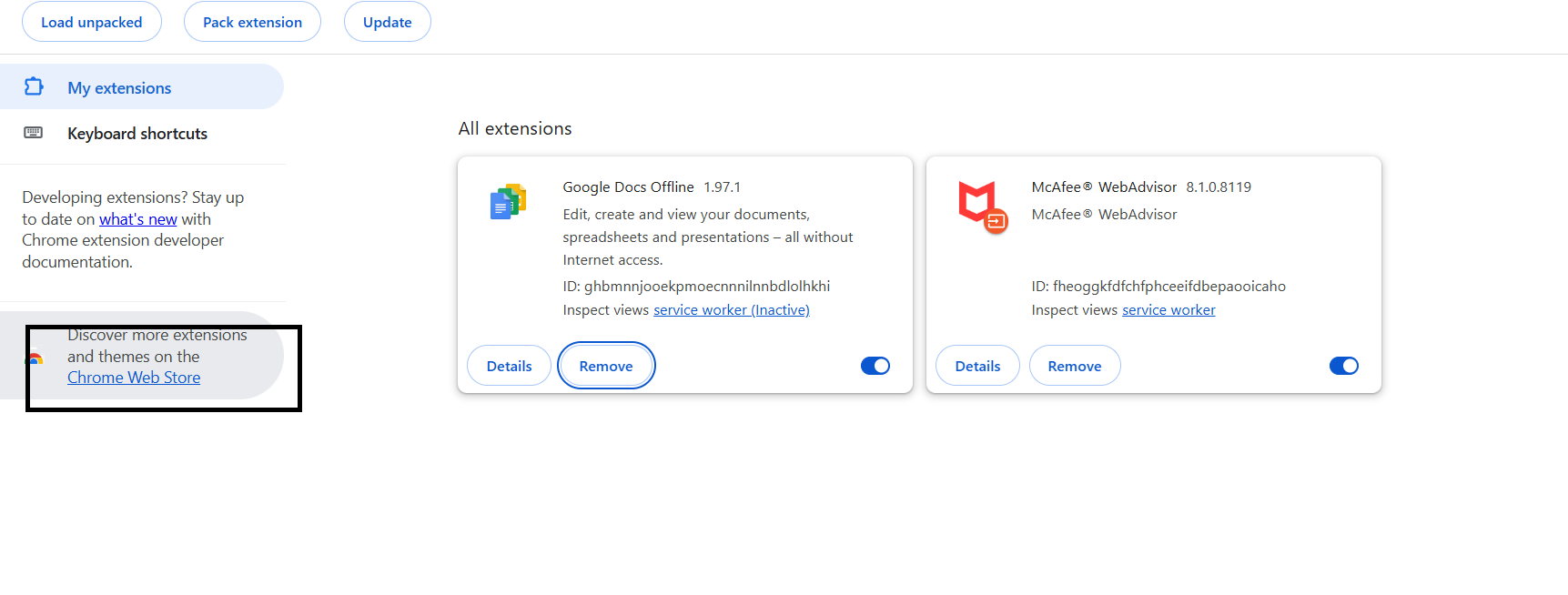
- Go to your Chrome Browser and Click on “Extension” icon. Select Manage extension to install .

- Click on Chrome Web store and search “Omnireview”.
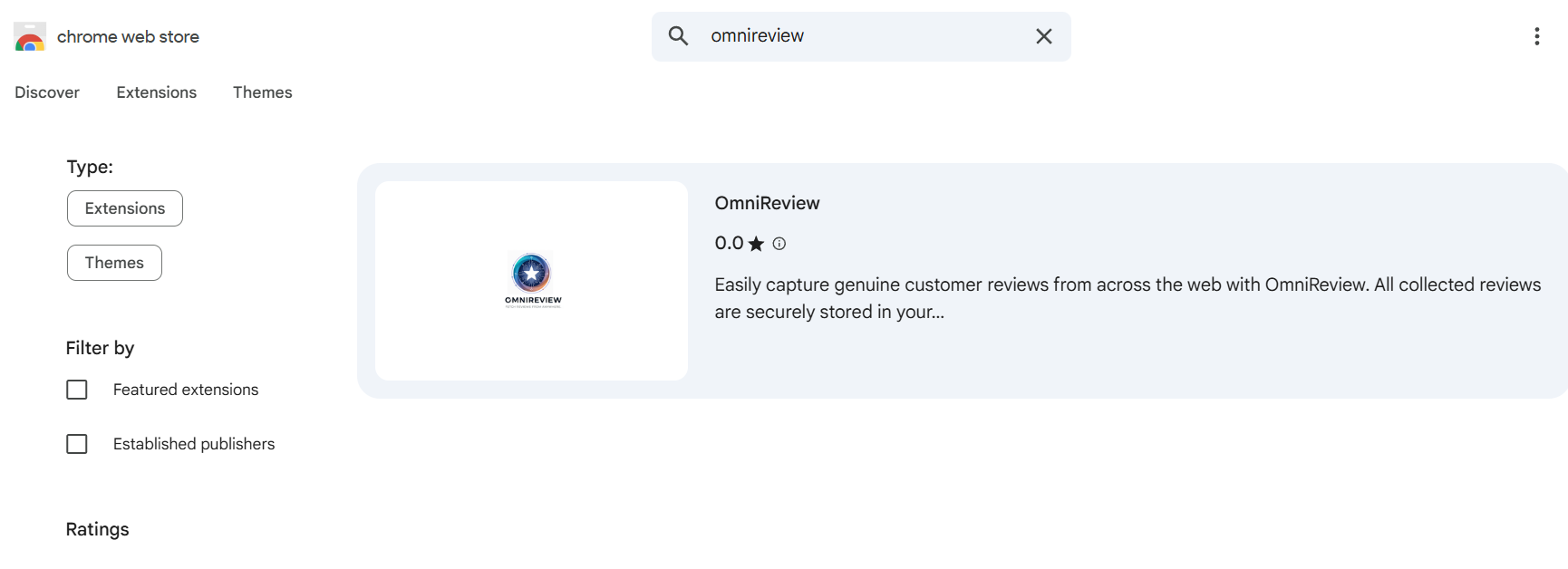
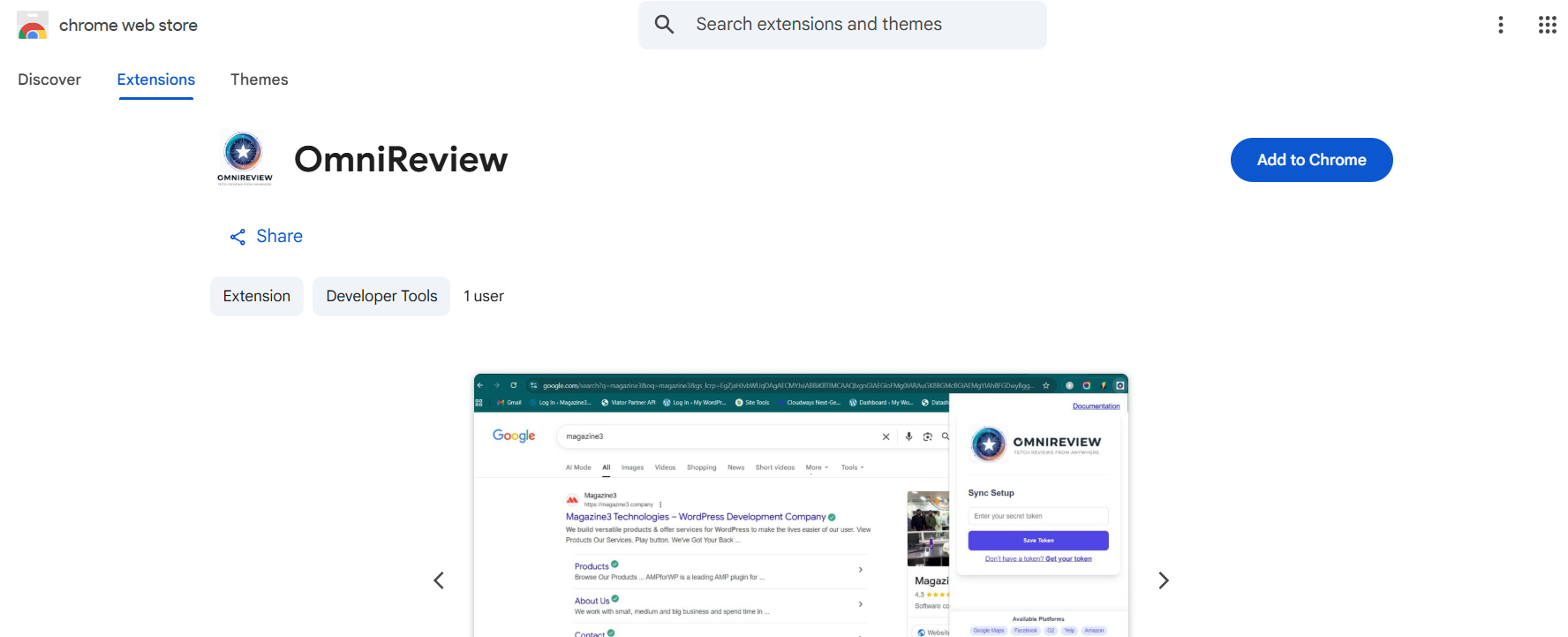
- Go to Omnireview and Click on “Add to chrome.“
- Click on Icon and pin “Omnireview” on your browser.
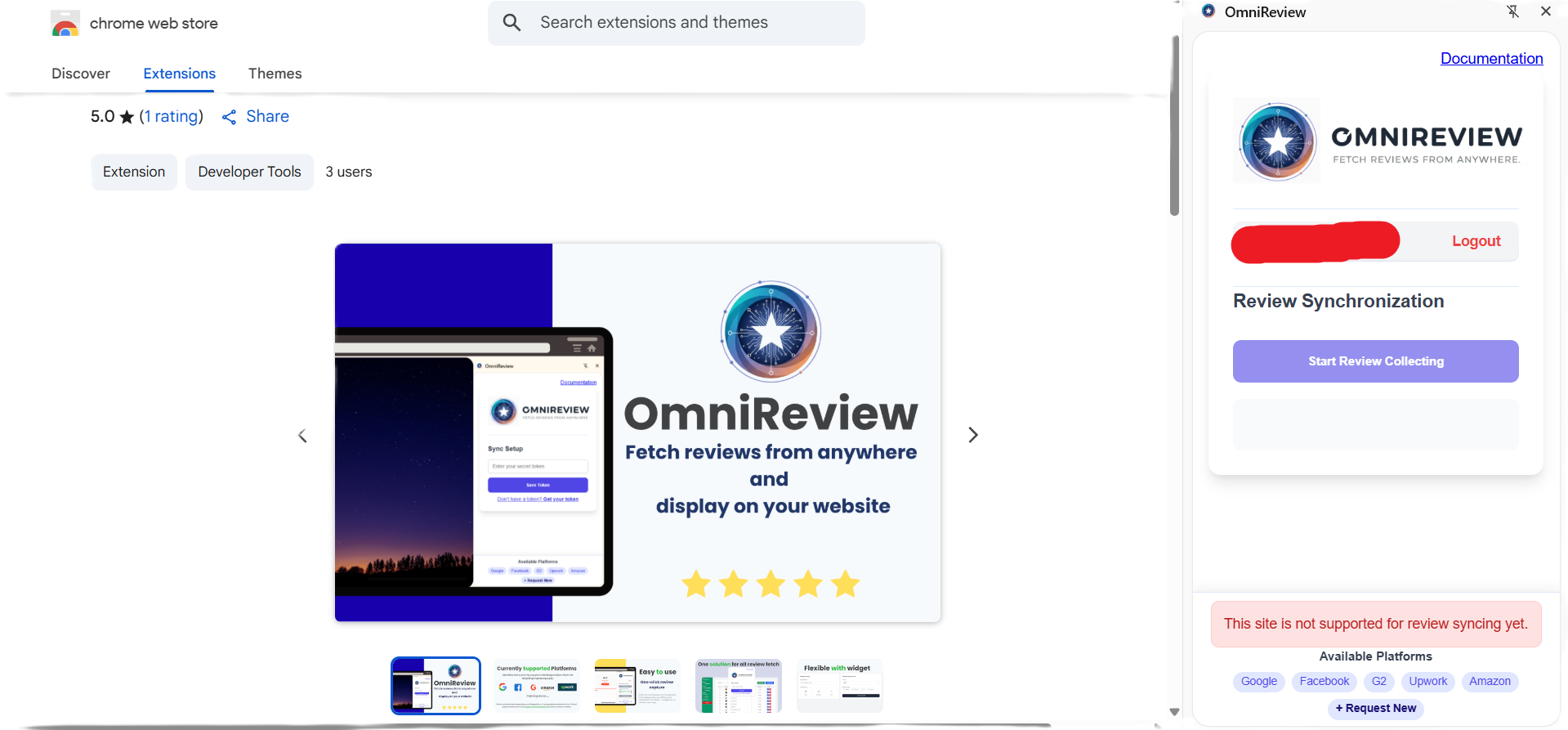
This way you can install the Omnireview Tool on your chrome browser.
🌟 What Makes Omnireview Stand Out
- One-Click Google Review Import
Seamlessly connect your Google Business Profile and pull in all your latest customer reviews instantly.
- Showcase Reviews on Your Website
Display authentic customer feedback anywhere on your site using stylish, customizable widgets.
- Personalize the Look and Feel
Adjust colors, fonts, and layouts to perfectly match your website’s branding and design.
- Focus on What Matters Most
Filter, sort, and highlight your best or most recent reviews to make a stronger impression.
- Export and Analyze Data
Easily download your reviews in CSV or Excel format for reporting, insights, or backups.
- Simple, Secure, and User-Friendly
Designed for everyone — no tech expertise needed. Your data stays safe while you manage everything effortlessly.


